Dope · Targets
Targets to print
Pick a sheet, print it at 100%, Actual size, not Fit to page, and check the 10 cm bar with a ruler before you shoot. Every sheet is a PDF at true size, A4 or US Letter. New printer? Print the printer check first.
Dope reads it Photograph your group and Dope works out the clicks. Paper only Measure it yourself.
Zeroing
The same sheet with four different marks. Pick the one that suits your crosshair.
-
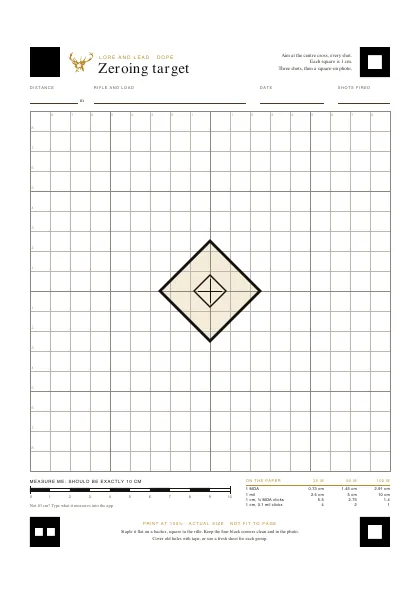
Zeroing target
Dope reads itThe everyday one, a diamond on a 1 cm grid for 25, 50 and 100 m.
-
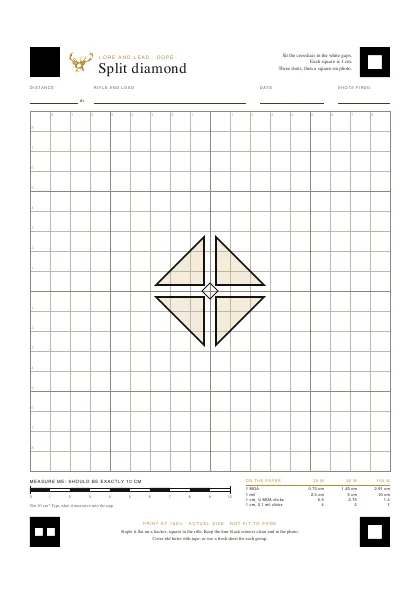
Split diamond
Dope reads itWhite gaps to sit a thick crosshair in, for low power at 25 to 100 m.
-
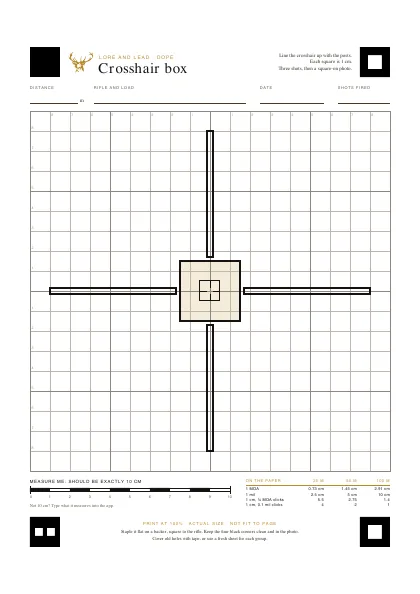
Crosshair box
Dope reads itLong posts to line the crosshair up on, like a duplex, at 25 to 100 m.
-
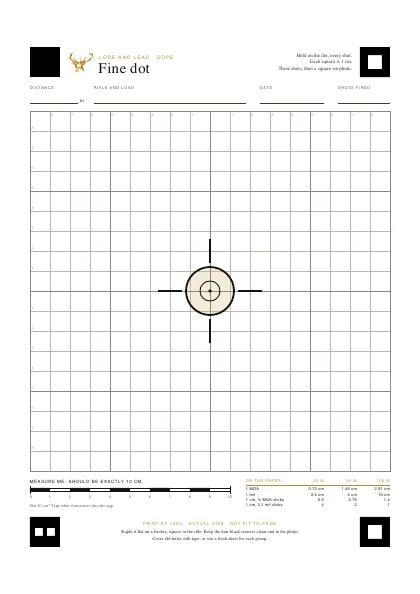
Fine dot
Dope reads itA small dot in two rings for a fine crosshair on high power, at 50 to 100 m.
Distance grids
Squares sized for one distance, so the correction reads straight off the paper.
-
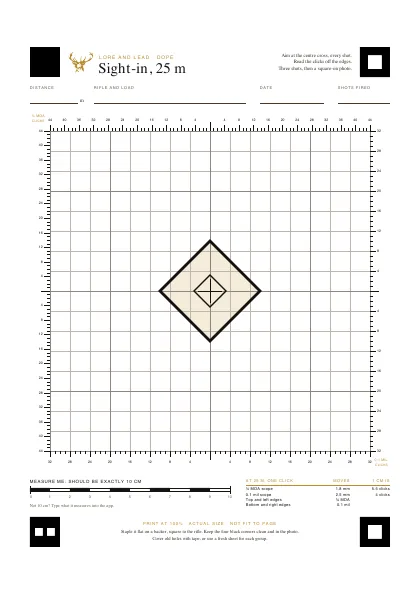
Sight-in, 25 m
Dope reads itClick rulers on the edges for ¼ MOA and 0.1 mil scopes, for getting on paper at 25 m.
-
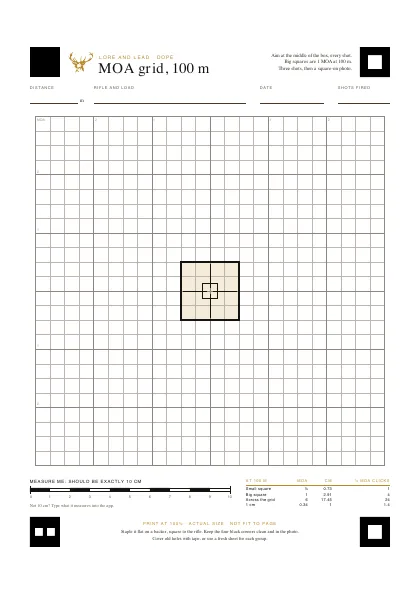
MOA grid, 100 m
Dope reads itSmall squares are ¼ MOA at 100 m, so one square is one click on most scopes.
-
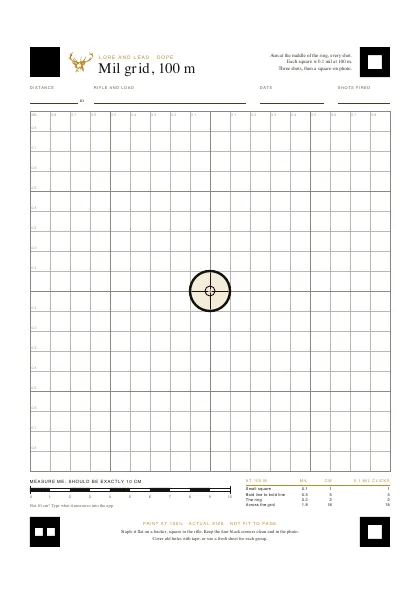
Mil grid, 100 m
Dope reads itEach square is 0.1 mil at 100 m, so one square is one click on a mil scope.
Practice
No corner squares on these, so the counting's down to you.
-
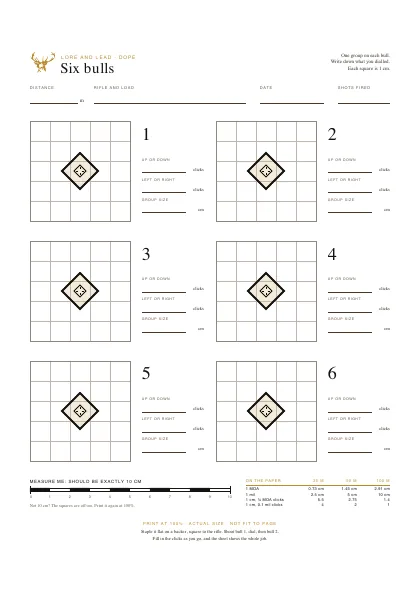
Six bulls
Paper onlyA fresh bull for each group, with boxes for the clicks, at any distance.
-
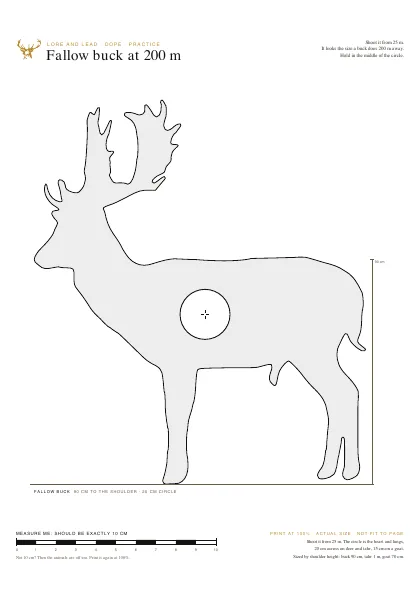
Fallow, tahr and goat
Paper onlyShot from 25 m they look 200 or 300 m away, heart and lungs marked. Four pages.
Big game at 100 m
Too big for one sheet, so each one prints across a few. Trim the dashed edges, line up the crosses and tape them on the back. Or print just the vital zone on one sheet for a quick check.
-
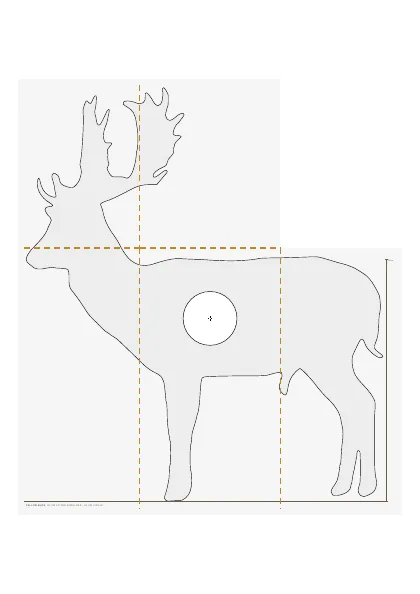
Fallow buck at 100 m
Paper onlyShot from 25 m he looks 100 m away, heart and lungs marked. Five sheets you tape together.
-
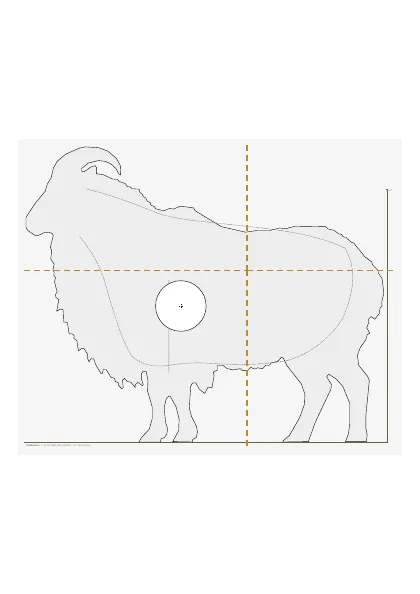
Tahr bull at 100 m
Paper onlyShot from 25 m he looks 100 m away, heart and lungs marked. Four sheets you tape together.
-
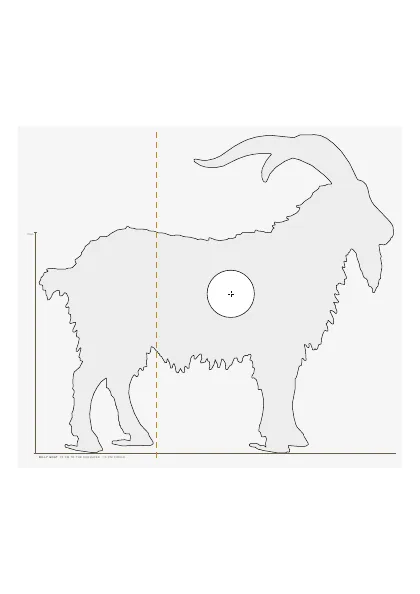
Billy goat at 100 m
Paper onlyShot from 25 m he looks 100 m away, heart and lungs marked. Two A4 sheets you tape together, three on US Letter.
Printing
-
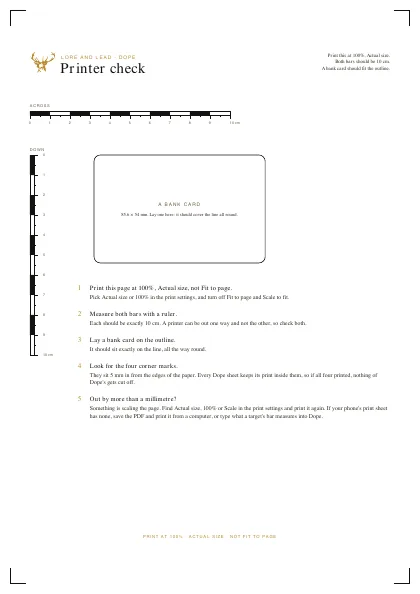
Printer check
One page that shows whether your printer prints true size: a 10 cm bar each way and the outline of a bank card. Print it before anything else.
- Print at 100%, Actual size, not Fit to page. In the print settings pick Actual size or 100%, and turn off Fit to page and Scale to fit, or the squares come out small.
- Measure the bar. The bar along the bottom should be exactly 10 cm. If it isn't, type what it measures into the app and it corrects for it. On a paper-only sheet, print it again.
- Plain white paper. A laser print is best. Inkjet is fine once it has dried. Print a handful, one per group.
- Keep the corners clean. On the sheets Dope reads, the four black squares are how it finds the sheet. Don't staple, tape or write on them.
- Big game goes together like a poster. Print every sheet, trim the dashed edges, lay each one over the sheet before it with the crosses lined up, and tape them on the back. Each sheet says which it is, like 2 of 5, top middle.
A4 and US Letter open the PDF. Print it from there.